COURSE DESCRIPTION
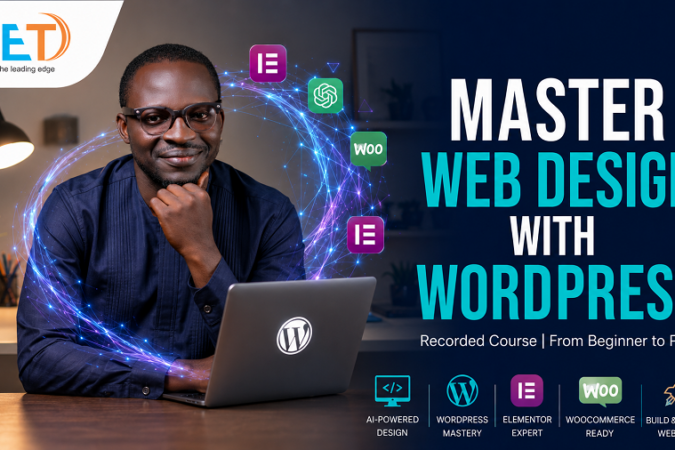
This course introduces learners to the fundamentals of web design using WordPress, a powerful and user-friendly content management system. Students will learn how to install WordPress, set up websites using cPanel, select and customize themes, create pages and posts, add images and multimedia, build navigation menus, install essential plugins, and customize website layouts. The course also covers basic website structure, responsive design, security, SEO, and website publishing. By the end, learners will be able to independently create and manage professional WordPress websites.
CERTIFICATION
This certificate recognizes the successful completion of the Web Design with WordPress Course, covering website creation, WordPress installation, themes, plugins, pages, menus, content management, customization, and basic website administration. The learner has demonstrated practical skills in designing and managing professional WordPress websites.
LEARNING OUTCOMES
- Understand WordPress Fundamentals – Explain what WordPress is, its uses, advantages, and the difference between WordPress.com and WordPress.org.
- Set Up a WordPress Website – Install and configure WordPress on a web server using cPanel and hosting services.
- Manage the WordPress Dashboard – Navigate and effectively use the WordPress administration dashboard.
- Create and Manage Web Pages – Create, edit, publish, and organize pages such as Home, About Us, Services, Gallery, Blog, and Contact.
- Design Websites with Themes – Install, customize, and configure WordPress themes to create attractive and professional websites.
- Use WordPress Plugins – Install and configure plugins to add functionality such as contact forms, SEO, security, backups, and social media integration.
- Create and Manage Website Content – Publish blog posts, upload images and multimedia, create categories and tags, and organize website content effectively.
- Build Responsive Websites – Design websites that display properly on desktop computers, tablets, and smartphones.
- Apply Basic Website Optimization and Security – Implement basic SEO, website performance, backup, SSL, and security practices.
- Develop and Publish a Complete Website – Plan, design, customize, test, and publish a functional professional WordPress website for an individual, school, business, or organization.
- Course content designed by considering current need in the job market.
- Practical assignments at the end of the course.
- Practical learning experience with live project work and examples.


Courses you might be interested in

Coding Edge Technology
Giving The Leading Edge...